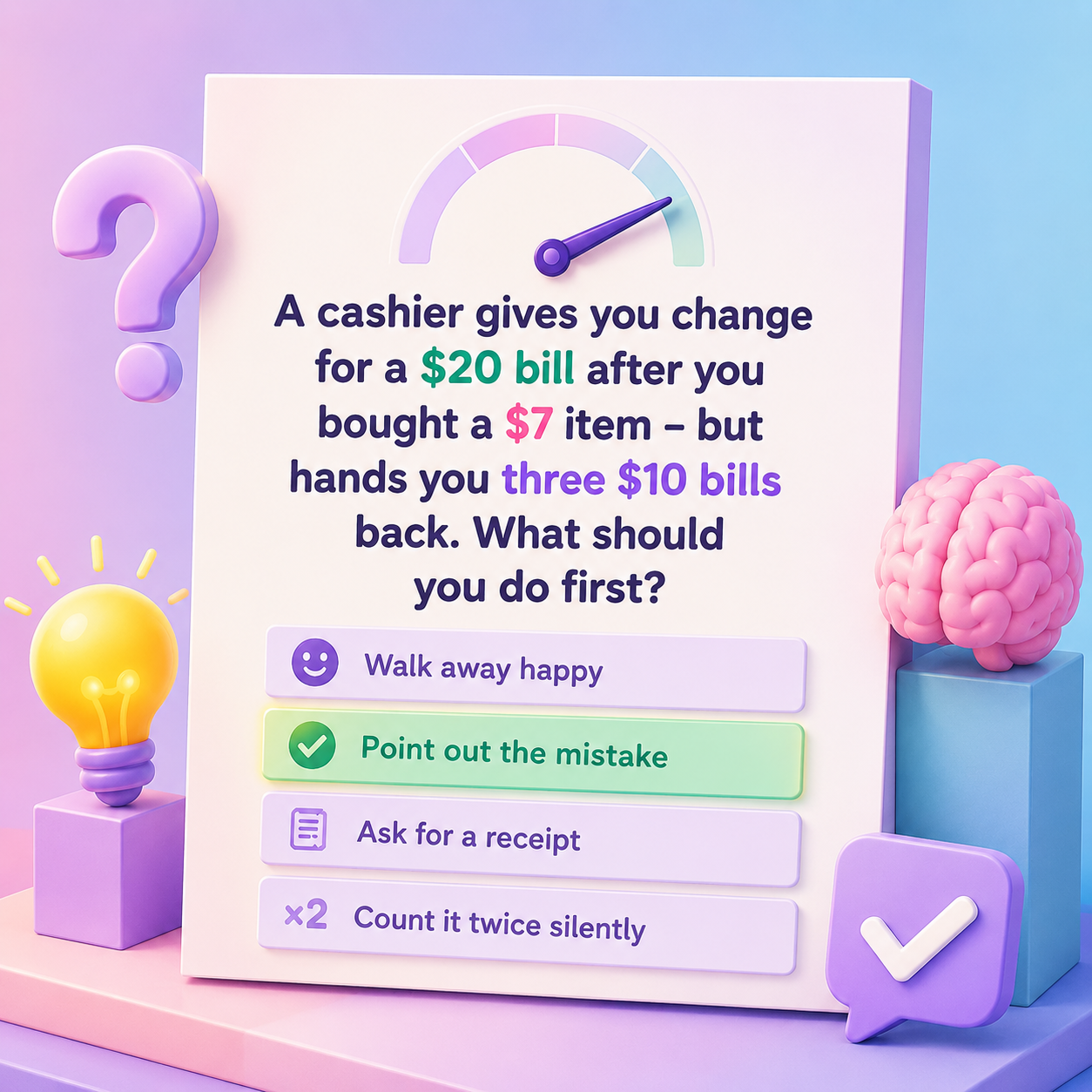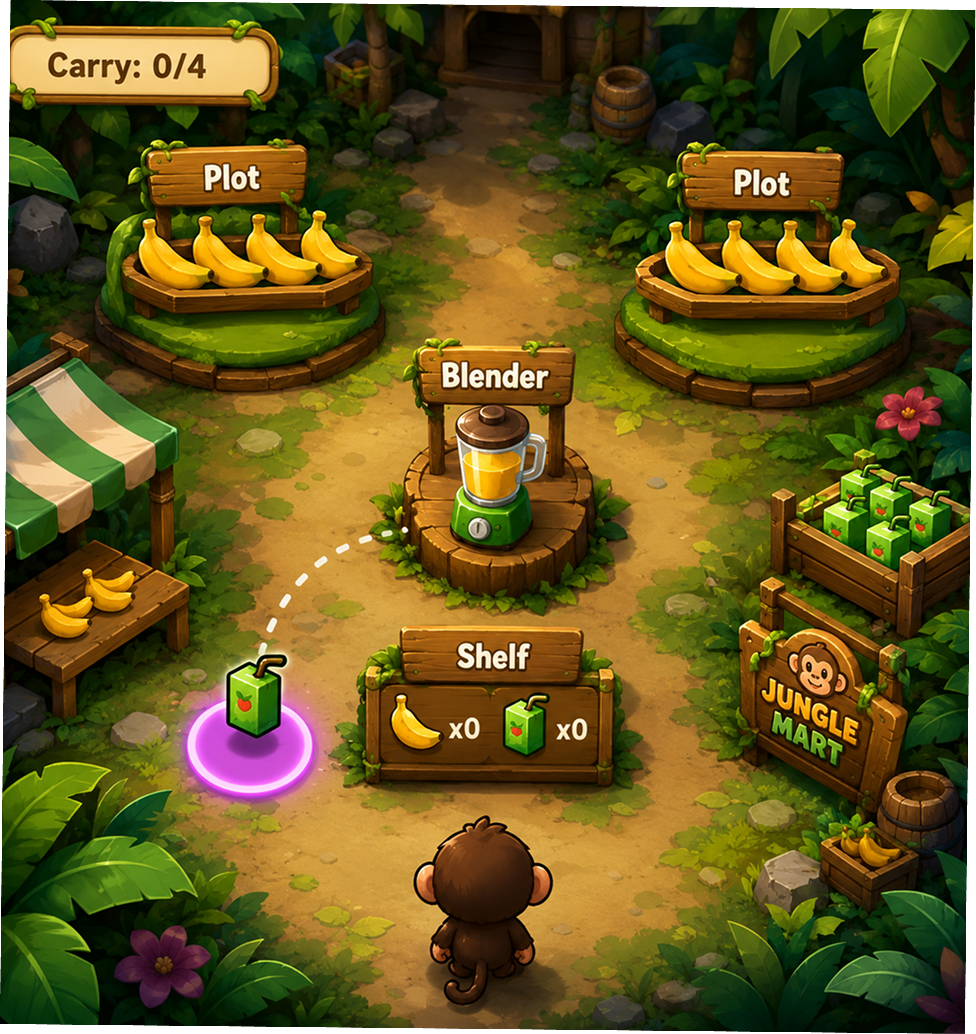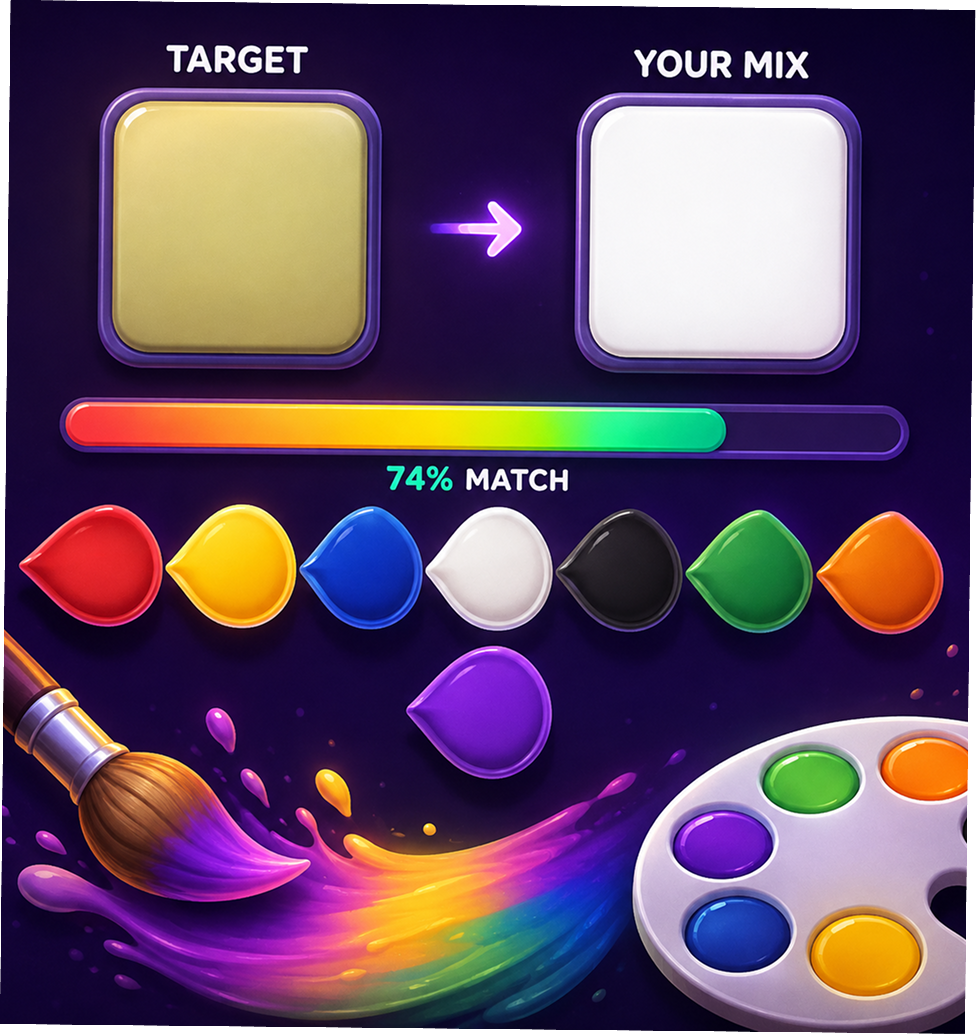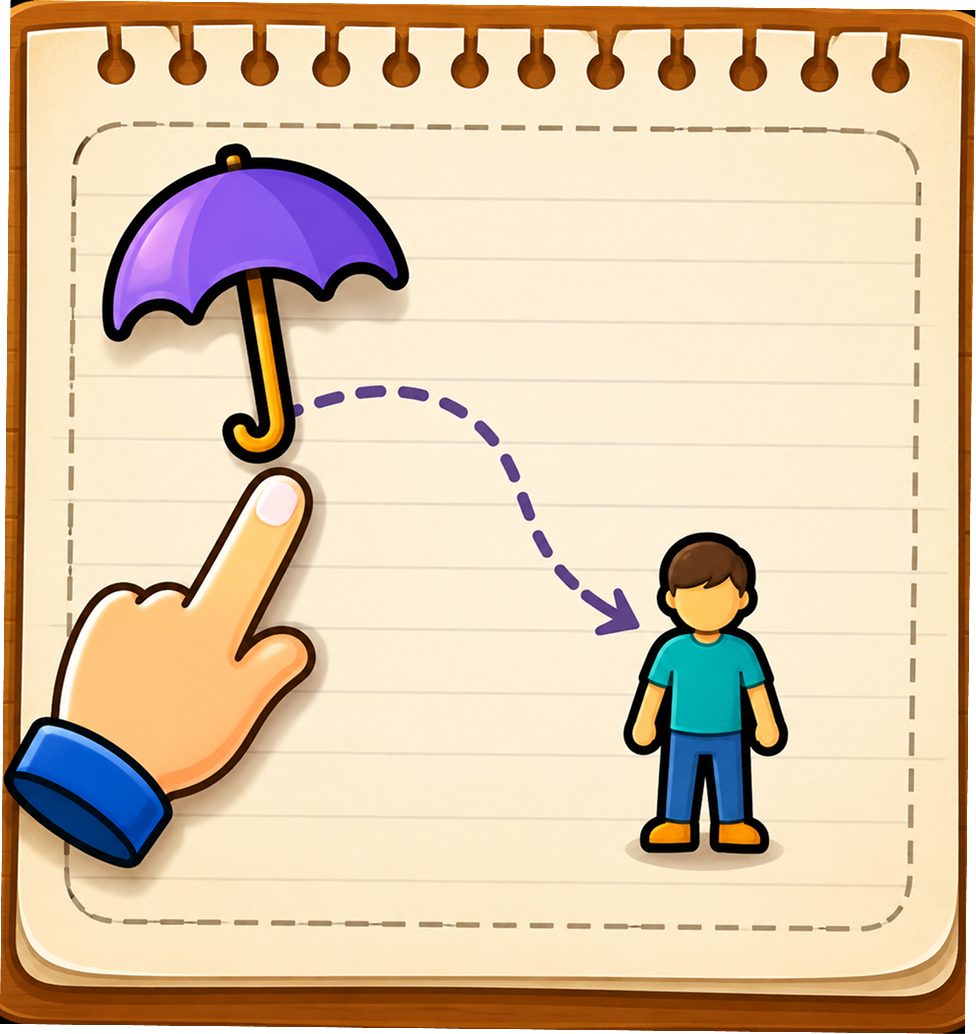
Discover and play free browser games on Gamezo across puzzle, arcade, action, racing, strategy, skill, memory and casual genres. Explore game objectives, controls and instructions before you play, then launch your chosen game directly in your browser.
Discover hand-selected games from the Gamezo collection. These featured titles represent different genres and gameplay styles available to play directly in your browser.
Discover recently added games and explore new challenges across different browser gaming genres.
Find a game, understand its objective and controls, and start playing directly from your browser.
Browse the collection or explore games by category to find something you want to play.
Check the objective, controls, difficulty and instructions before starting.
Open the game page and launch the browser game when you are ready to play.
Explore related games and other categories after finishing a game.
Yes. Every game on Gamezo is free to play in your browser. Availability, controls and gameplay features can vary between individual games.
No. Games load directly in your browser on desktop, tablet or phone.
Gamezo pages are designed to work across different screen sizes. Individual game compatibility can vary depending on the game's controls and technology.
The collection includes different browser game genres such as puzzle, arcade, action, racing, strategy, skill, memory and casual games.
Browse the game collection and use the available categories or website navigation to discover games. Individual game pages also provide links to related games.
Open an individual game page to find its available instructions, controls, objective, difficulty information and gameplay tips.
Most Gamezo games are designed to run directly in your browser. Depending on the individual game, additional requirements or compatibility limitations may apply.
Try refreshing the game page and checking your internet connection. If the problem continues, contact Gamezo support and report the game so the issue can be investigated.
Gamezo regularly updates its collection with new browser games. Check the New Games section to discover recently added titles.